Mini projector vs portable projector: which fits you
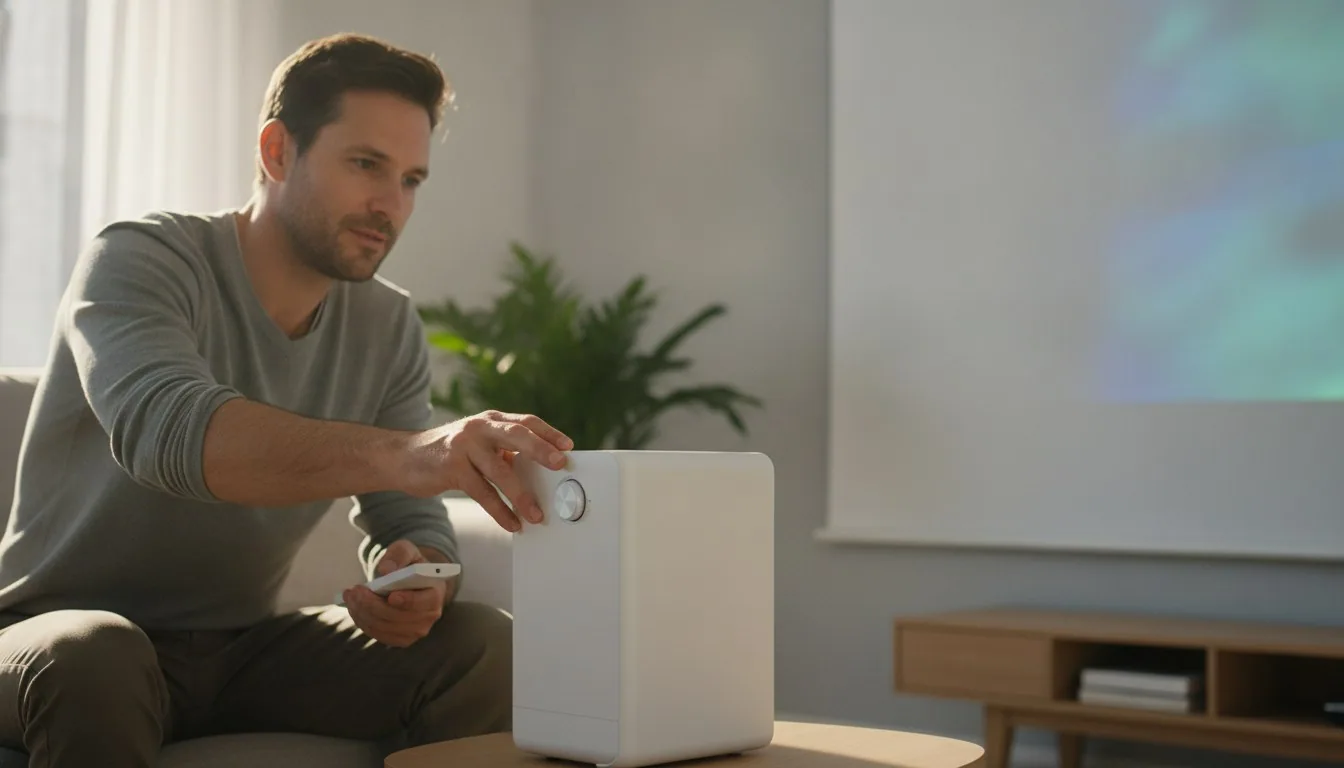
Two labels, one crowded shelf: walk into any search for a small projector and half the listings call themselves mini, the other half portable, and plenty claim both at once. The difference between mini and portable projector isn't marketing fluff, though the industry's habit of overlapping the terms makes it feel that way. It comes down to what each device is built to trade away.
In the mini projector vs portable projector split, the mini is built around small size and low weight first, often under a pound, while a portable projector is built around go-anywhere durability and self-sufficiency, sometimes including a built-in battery. Mini projectors win on pocketability; portable projectors win on brightness, stand options, and use without a wall outlet.
| Spec | Mini projector | Portable projector |
|---|---|---|
| Typical weight range compared | about 0.33 to 4.65 lb | about 0.78 to 4.5 lb |
| Lightest model in this comparison | 0.330693 lb (pico-style unit) | 0.784846 lb |
| Brightness range (ANSI lumens, where certified) | 55 to 1200 ANSI lumens | 380 ANSI lumens (plus one higher figure not ANSI-certified) |
| Cordless / battery-powered options | not present among the mini models compared | built-in battery rated for about 2.5 hours, and a separate USB-C PD model |
| Rotating or flexible stand | 180 degree rotation on the top pick | 210 degree rotating stand and a flippable speaker design on other picks |
| Built-in smart apps / streaming | present on most models compared | present on most models compared, including licensed app support on premium picks |
| Best fit | pocket-and-bag portability, casual and close-range viewing | setup away from a wall outlet, rotating angles, and brighter premium options |
Mini projector vs portable projector: what separates them
Mini projectors are defined by compact size and light weight; portable projectors are defined by the ability to run untethered from typical setups, sometimes with an onboard battery.
Shopping for a specific model? See our best projectors picks — 10 models compared on the specs that decide it.
Manufacturers don't use a shared rulebook, so the difference between mini and portable projector labels is more about emphasis than a hard spec cutoff. In the mini category we compared, size ranges from a palm-sized pico model down around a third of a pound up to boxier units past four pounds, all still called mini. That's a wide spread for one label.
Portable projectors, by contrast, tend to advertise what they let you skip: a wall outlet, a permanent mount, a dedicated media box. One portable pick in our data runs on a built-in rechargeable battery rated for roughly two and a half hours of playback per charge, which is the kind of feature that defines portable as a category better than any dimension does. Weight in the portable set we reviewed ranges from under a pound to well over four pounds, again overlapping heavily with mini.
The honest takeaway: read the spec sheet, not the label. A product called portable can be heavier than one called mini, and vice versa. What you're really comparing is whether the unit needs a permanent setup and constant power, or whether it's engineered to leave the house with you.
Smallest projector for travel: what actually matters
For travel, prioritize weight under roughly a pound, a rotating or auto-keystone stand, and either battery power or simple USB-C charging over a bulky proprietary adapter.
If your search is really for the smallest projector for travel, weight and power source matter more than category label. Among the models we reviewed, a few sit near the featherweight end: one mini pico-style unit weighs about a third of a pound, and a compact mini model in the same lineup comes in under 0.8 pounds with a footprint small enough to slip into a daypack.
Power source is the part travelers underestimate. A projector that needs a dedicated wall brick and a fixed mounting position isn't really travel gear, no matter how light it is. Look for auto keystone correction (it straightens the image automatically instead of requiring you to prop the unit at an angle) and a rotating stand, since hotel rooms and tents rarely have a flat surface at the right height and distance.
One portable model in our comparison runs on USB-C power delivery, meaning it can pull power from the same laptop charger or power bank you're already packing rather than a projector-specific plug. That single detail does more for actual travel usability than shaving another ounce off the housing.
Pico projector vs mini projector: is there a real difference
A pico projector is a specific, ultra-small sub-category of mini projector, generally under a pound and closer to phone-sized than laptop-sized, trading brightness for extreme portability.
The pico projector vs mini projector question trips people up because pico is technically a subset, not a rival category. Every pico projector is a mini projector; not every mini projector is pico-sized. In practice, pico models push size and weight to the extreme; one pico-style unit in our data weighs about a third of a pound and is built to slip into a pocket or bag rather than sit on a shelf.
The trade-off is brightness and image size. A pico unit in our comparison outputs 55 ANSI lumens at a native resolution of 640 by 360 pixels, which is closer to a bright flashlight with a picture than a home theater projector. That's fine for showing photos on a wall during a camping trip or entertaining a small group, but it will wash out fast in a room with any daylight.
Standard mini projectors give up some of that pocketability for brightness that actually holds up indoors after dark. If your use case is casual, on-the-go image sharing, pico is worth it. If you want something that resembles movie night, look at mini or portable models with brightness figures closer to four figures in ANSI lumens rather than double digits.
Brightness, throw distance, and image quality across both types
Brightness is measured in ANSI lumens, a standardized test defined by the American National Standards Institute, and it varies more by individual model than by whether a projector calls itself mini or portable.
ANSI lumens brightness comes from a standard defined by the American National Standards Institute, and it's the number worth trusting over a generic 'lumens' claim on a box; the nine-point averaging method often used to measure it is shared with the ISO 21118 projector standard, so a spec sheet may cite either body for the same test. Among the models we compared, ANSI lumens brightness ranges widely: one budget mini model lists 400 ANSI lumens, a mid-range mini pick lists 1200 ANSI lumens, a premium portable pick lists a TUV-certified 380 ANSI lumens, and one higher-output portable model advertises 3000 lumens brightness (note that figure isn't specified as ANSI-tested in the listing, so treat it as a rougher number than the certified ones).
That spread means brightness is a per-model decision, not a category decision. A dim mini projector and a dim portable projector will both struggle in a sunlit room; a bright one in either category will hold up after dark. If you're comparing two listings, put the ANSI-labeled figure first and treat any brightness number without ANSI attached as a marketing estimate.
Resolution tells a similar story. Most models we reviewed support native 1080p with 4K video decoding for playback, meaning they accept a 4K signal and downscale it rather than natively displaying 4K resolution. The pico-class unit in our data is the outlier, at a much lower native resolution better suited to small-group casual viewing than detailed video.
Setup, connectivity, and what you'll actually plug in
Both mini and portable projectors in this comparison lean on WiFi and Bluetooth for casting and audio, HDMI and USB for wired sources, and auto-focus or auto-keystone features to speed up setup.
Connectivity has mostly converged across both categories. Nearly every model we reviewed offers dual-band WiFi alongside Bluetooth for audio, plus HDMI and USB ports for a streaming stick, laptop, or game console. A few go further with built-in smart TV platforms, which is worth checking if you don't want to add a streaming stick to the packing list.
Setup speed depends on auto-focus and auto-keystone, not on category. Several models across both the mini and portable sets in our comparison advertise automatic focus and keystone correction that adjusts the image in seconds rather than requiring you to manually twist a focus ring and prop the unit level. That matters more for a portable projector you're setting up in a new spot each week than for one that lives on a shelf.
Speaker quality varies by design choice more than size. Built-in stereo speakers show up across both mini and portable models, with power ratings from modest dual-driver setups up to 50-watt Dolby-branded systems on premium picks. If sound matters more than image to you, check the wattage and speaker branding on the specific listing rather than assuming a portable badge means better audio.
Which one actually fits your situation
Choose mini if pocket size and low weight are non-negotiable; choose portable if you need battery independence, a rotating stand, or brighter output for a real movie-night image.
If you're carrying the projector in a bag every time you use it, and you'd rather sacrifice some brightness for something that barely adds weight, lean mini. The lightest models in our comparison land under a pound, and pico-class units go even smaller for pure convenience.
If you're setting up in different rooms, outdoors, or anywhere a wall outlet isn't guaranteed, lean portable. Built-in battery options, USB-C charging, and rotating stands solve problems that a smaller housing alone doesn't. The trade-off is usually a bit more weight and, on some models, a higher price tier.
Either way, don't let the category label do the deciding. Pull up the ANSI lumens figure, the weight, and the power source on the specific model, and compare those three numbers side by side. That tells you more than whether the product page says mini or portable at the top.
Neither type is strictly better; they're built for different frictions. Mini projectors win when the priority is disappearing into a bag and coming out under a pound, pico models especially so. Portable projectors win when you need to set up somewhere without a convenient outlet or flat mounting surface, since battery and USB-C power options only show up in that group here.
Frequently asked questions
What is the difference between mini and portable projector models?
What is the smallest projector for travel?
Is a pico projector the same as a mini projector?
Can you use a mini or portable projector outside during the day?
Do portable projectors need to be plugged into a wall?
Are mini projectors good enough for watching movies?
Sources & references
- What Are ANSI Lumens? A Simple Guide to Projector Brightness Units — BenQ
- Products — ENERGY STAR (U.S. EPA/DOE program)
- Lithium batteries with 100 watt hours or less in a device — Transportation Security Administration (TSA)