How to clean and care for a smart TV screen
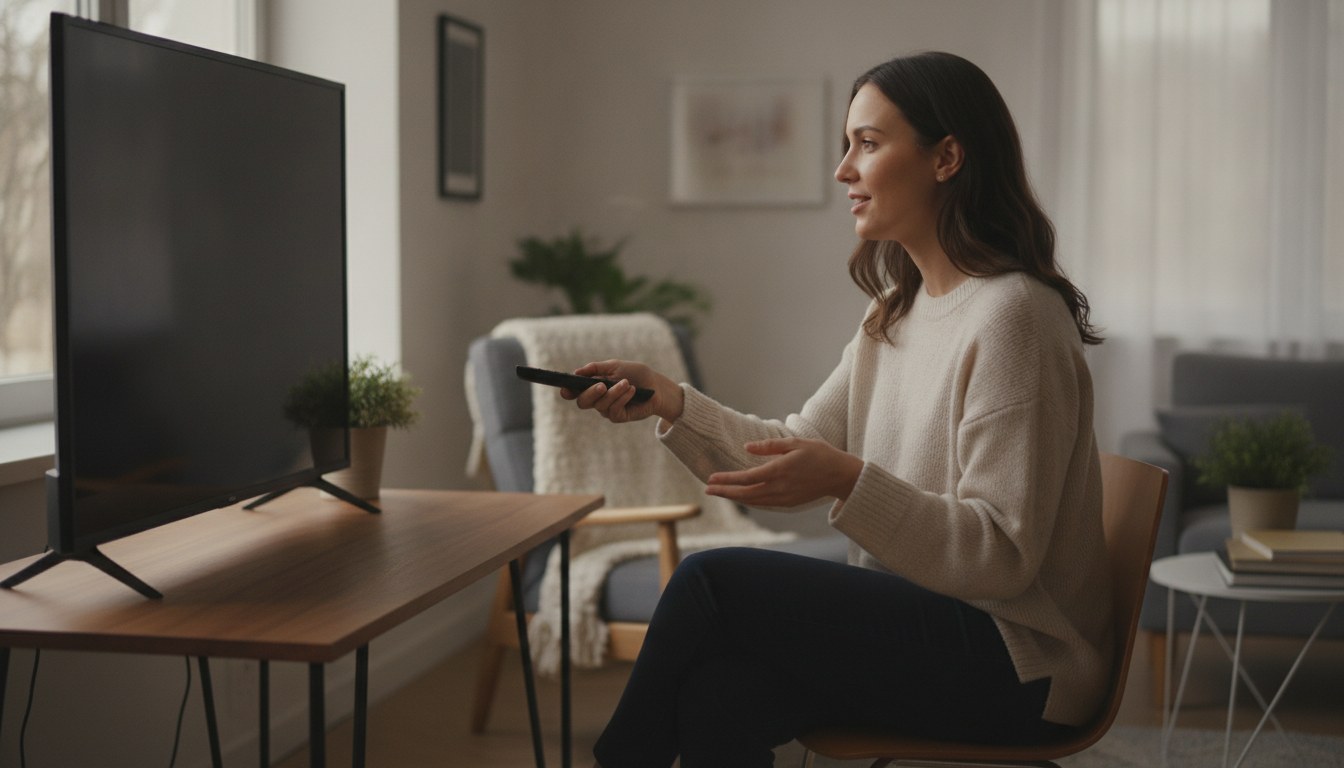
- Power the TV off first, then dry-wipe with a microfiber cloth in one direction; that alone handles most dust without any liquid at all.
- Skip ammonia-based glass cleaners, alcohol wipes, and paper towels on the screen. CDC's general electronics-cleaning guidance points to following the manufacturer's own instructions rather than defaulting to a household cleaner, and most TV makers rule out ammonia because it can strip the anti-glare coating.
- CPSC's Anchor It! campaign, running for a decade now, is tied to a nearly 50% drop in tip-over injuries and deaths, and its core advice for a TV that isn't wall-mounted is to secure it to the wall or set it on a sturdy, low base pushed back as far as it will go.
- Automatic brightness control and local dimming, the same features ENERGY STAR credits with making certified TVs about 34% more efficient on average than conventional models, also ease the load on the panel during long viewing sessions.
- When a TV is actually done, not just dusty, the EPA's donation-and-recycling guidance is the better next step than the curb; recycling a million laptops alone saves enough energy to power more than 3,500 homes for a year, and a TV is built from the same recoverable materials.
Unplug the unit before any cleaning or filter work.
Power off, or set to standby, before you start
Cleaning a TV that's actively displaying a picture makes dust and smudges harder to spot and adds a small, avoidable risk if any liquid gets near a seam while the panel is powered. A dark, cool screen also shows streaks more honestly, so you'll actually know when the job's done.
Dry-wipe the whole screen first
Use a clean, dry microfiber cloth and wipe in straight, light strokes rather than circles. Most dust and light fingerprints come off with this step alone, and it's the only step most cleanings actually need.
Dampen the cloth, not the screen, for anything stubborn
For marks that don't lift dry, dampen the cloth slightly with distilled water or a mostly-water, splash-of-vinegar mix, then wipe again. Never spray liquid straight at the panel; it can run into the bezel seam and reach the electronics behind the glass.
Clear the vents and wipe the frame
A vacuum's brush attachment, held a short distance from the mesh rather than pressed against it, clears the dust that blocks airflow on the back and bottom of most sets. Wipe the plastic or metal bezel with the same barely-damp cloth used on the screen.
Clean the remote on its own
Pull the batteries if you're doing more than a light wipe, then clean the casing with a barely damp cloth using the same diluted solution. Let it dry completely before the batteries go back in.
Recheck mounting, cables, and software updates
Confirm the TV is still anchored or resting on its base the way it was set up, since a cleaning session is a natural moment to notice a loose bracket or a base that's crept forward. While you're there, check for a pending system update; most sets install these automatically, but it's worth a manual look every month or two.
| Quick Facts | |
|---|---|
| CPSC Anchor It! campaign impact | tied to a nearly 50% decline in tip-over injuries and deaths over its first decade |
| ENERGY STAR TV efficiency | certified sets run about 34% more efficient on average than conventional TVs, across sleep, idle, and on modes |
| CDC electronics cleaning guidance | use a wipeable cover where possible and follow the manufacturer's own cleaning instructions first |
| EPA e-waste recycling impact | recycling 1 million laptops saves enough energy to power more than 3,500 US homes for a year |
| EPA safe indoor humidity range | roughly 30% to 50% relative humidity, ideally below 60% |
How to clean a smart TV screen without streaks
Turn the TV off, dry-wipe the screen with a microfiber cloth in straight, gentle strokes, and only add a little dampness, distilled water or a weak vinegar solution, for anything a dry wipe won't lift.
Shopping for a specific model? See our smart tv buying guide — 10 models compared on the specs that decide it.
Start with the TV off, or at least on standby. A dark screen makes streaks and fingerprints far easier to see than an active picture does, and there's no reason to clean around a live image anyway. A dry microfiber cloth, the same kind sold for eyeglasses or camera lenses, handles the bulk of the job. Wipe in straight lines rather than circles, and let the cloth's texture do the lifting instead of pressing hard, since panels flex slightly under pressure and a heavy hand can bruise the pixels underneath.
For a smudge that won't budge dry, dampen the cloth, not the screen, with distilled water or a mix that's mostly water with a splash of white vinegar. Spraying liquid straight onto the panel is the mistake that actually causes damage: it runs into the bezel gap and can reach the electronics behind the glass. Skip ammonia-based glass cleaners entirely. They're fine on a bathroom mirror because a mirror doesn't carry an anti-glare coating; a TV panel does, and ammonia breaks that coating down into a cloudy film that doesn't wipe off, it's baked in. Paper towels are the other quiet culprit. They look soft, but they carry enough wood-fiber grit to scratch a coated screen over repeated use, so a microfiber cloth kept specifically for the TV is worth the small trouble, and this one habit does more for how a smart TV screen holds up over the years than any product on the market.
Cleaning the frame, vents, and remote
Dust the bezel and rear vents with a dry cloth or a soft brush attachment monthly, since blocked vents make the TV run hotter, and clean the remote separately since it collects more grime than the screen ever does.
The screen gets the attention, but the frame and vents do more of the quiet work of keeping a TV alive. Dust settles into the vents on the back and bottom of most sets, and airflow blocked by a felted layer of dust makes the internal components run hotter than they're designed for over time. A vacuum with a brush attachment, held a few inches back rather than pressed against the mesh, clears most of it without risking static discharge near the internal boards.
CDC's general guidance on cleaning electronics keeps coming back to the same point: check what the manufacturer actually says before reaching for a cleaning product, and where there's no specific guidance, a wipeable cover makes the whole job easier going forward. That advice applies just as well to a TV's plastic bezel as it does to a keyboard.
The remote is the part people forget. It travels between hands, gets set down on tables and couch cushions, and picks up more grime per square inch than the screen it's pointed at. A cloth barely dampened with the same diluted solution used on the screen works fine on the remote's casing. Pull the batteries first if you're going to get it more than lightly damp, and let it dry fully before they go back in.
Placement, mounting, and keeping a TV from tipping
A TV that isn't wall-mounted should sit on a sturdy, low stand pushed back as far as it goes, and CPSC's guidance is to anchor it to the wall the same way you'd anchor a dresser, since the agency's decade-old Anchor It! campaign is tied to a nearly 50% drop in tip-over injuries and deaths.
Cleaning keeps a screen looking good, but where a TV sits matters more for its actual survival, and for the people around it. The Consumer Product Safety Commission has run its Anchor It! campaign for ten years now specifically because unanchored TVs tip, and the numbers back up the push: the agency reports the campaign is tied to a nearly 50% decline in tip-over-related injuries and deaths over that decade. Its guidance is straightforward. Anchor a TV to the wall the same way you'd anchor a bookcase or dresser, and where wall-mounting isn't possible, set it on a low, sturdy base, push it back as far as the base allows, and keep cables and cords out of reach so nothing gets pulled.
Placement affects the panel itself too, not just safety. A TV mounted above a working fireplace or wedged into a damp basement corner is fighting heat or moisture it wasn't built for. The EPA's general moisture guidance for a home puts the safe range at roughly 30 to 50 percent relative humidity, and a smart TV's internal components hold up better inside that range than in a consistently damp room. Direct sunlight is its own slow problem, fading the anti-glare coating unevenly and making the panel work harder against glare it wouldn't otherwise have to fight.
Software habits and settings that protect a smart TV long-term
Keeping the TV's software current, using picture settings that avoid a static image sitting on screen for hours, and leaving automatic brightness control on all reduce wear that no amount of screen wiping touches.
Care isn't only physical. A smart TV's software runs the interface, the streaming apps, and the picture-processing chain, and skipped updates pile up until an app stops working or a security patch never lands. Checking for system updates every month or two, most sets do this automatically once connected, keeps the platform from falling behind the apps running on it.
The picture settings matter more than most owners realize. ENERGY STAR's guidance on televisions notes that certified models run about 34% more efficiently on average than conventional sets, largely through features like automatic brightness control, which adjusts the backlight to the room instead of running at a fixed level, and local dimming, which dims sections of the backlight instead of lighting the whole panel uniformly. Leaving those features on doesn't just save power. It means the panel isn't pushed to maximum brightness for hours on end, which is exactly the kind of sustained strain that shortens a display's working life.
Static images deserve a separate mention, especially on OLED panels, where each pixel lights itself individually rather than sharing a backlight. A paused game HUD or a news channel's logo sitting in the same spot for hours can leave a faint ghost of that image behind. That's pixel wear, not dirt, and no cleaning cloth touches it. The real fix is avoiding the static image in the first place: use a screensaver on a paused stream, and let the TV's built-in pixel-refresh or logo-dimming feature run if it has one. Our OLED smart TV guide covers which current models handle this automatically versus which ones need the setting turned on.
When routine care isn't enough, and how to know it's time to replace
No amount of cleaning fixes a failing backlight, ports that stop recognizing devices, or colors that shift no matter the settings; those are signs a TV has reached the end of its useful life, and the EPA's recycling guidance is the better next step than the curb.
Maintenance keeps a healthy TV healthy. It doesn't reverse the kind of wear that shows up as a set ages: a backlight that dims unevenly across the panel, colors that shift or wash out no matter how the picture settings are adjusted, ports that stop reliably recognizing a game console or soundbar, or a chassis that stays warm to the touch even in standby. Any of those point to hardware fatigue that a wipe-down and a software update won't touch.
Replacing a smart TV is also the moment to think about what happens to the old one. The EPA's guidance on electronics donation and recycling is blunt about the stakes: recycling one million laptops alone saves enough energy to power more than 3,500 US homes for a year, and a TV is built from the same recoverable metals, plastics, and glass, just at a larger scale. The agency points toward certified recyclers, R2 or e-Stewards accredited, rather than the trash, since both programs are independently audited for safe handling. A working set is usually worth donating instead; a genuinely dead one still has value inside it, just not the kind curbside pickup preserves.
If a replacement is actually what you're shopping for, our best smart TV guide breaks down current models by picture quality and price, and the wider smart TV hub is the place to start if you're not sure which size or panel type fits the room yet.
Frequently asked questions
How do you clean a smart TV screen without streaks?
Can you use Windex or a household glass cleaner on a smart TV?
How often should you clean a smart TV?
Is it safe to clean a TV screen while it's plugged in?
When should you replace a TV instead of continuing to maintain it?
Do OLED and QLED screens need different cleaning methods?
Sources & references
- CPSC Anchor It! Campaign Marks 10 Years: Fewer Furniture Tip-Overs Lead to Safer American Households — US Consumer Product Safety Commission (CPSC)
- When and How to Clean and Disinfect Your Home — Centers for Disease Control and Prevention (CDC)
- Televisions — ENERGY STAR (US EPA / US Department of Energy)
- Electronics Donation and Recycling — US Environmental Protection Agency (EPA)
- A Brief Guide to Mold, Moisture and Your Home — US Environmental Protection Agency (EPA)