OLED vs QLED: which TV panel is better
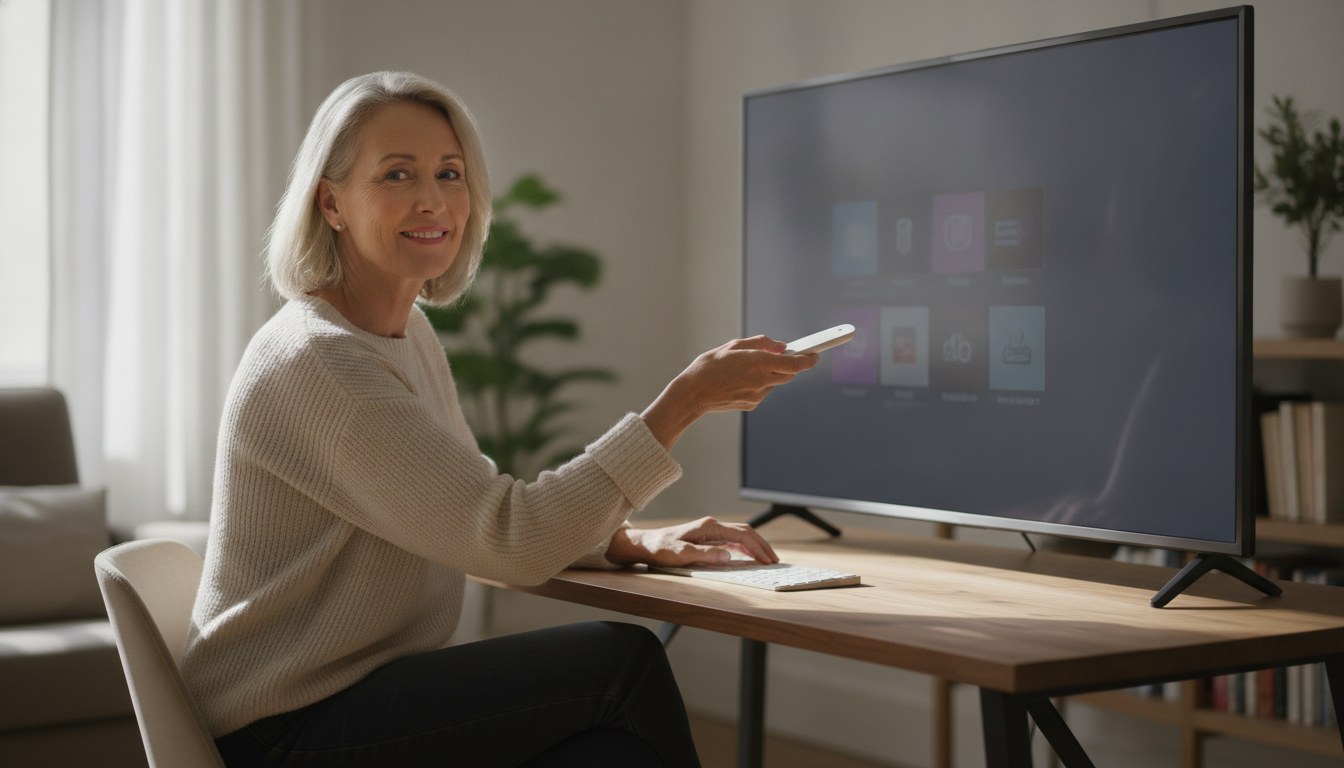
Two acronyms decide more TV arguments than any other spec on the box. One promises black so deep it seems to disappear into the wall behind it; the other promises a glow bright enough to fight back against a sunlit window. Neither claim is wrong, which is exactly why the choice keeps confusing people who just want a good picture.
In the OLED vs QLED debate, OLED wins on black level, contrast, and viewing angle because every pixel can switch off on its own; QLED wins on peak brightness, large-screen value, and burn-in resistance because it's an LED-backlit LCD with a quantum-dot layer. The better panel depends on your room and habits, not a single spec.
| Spec | OLED | QLED |
|---|---|---|
| Black level and contrast | Pixels switch fully off for true black | LED backlight always leaves some light bleeding through the LCD layer |
| Peak HDR brightness | Lower ceiling; organic pixels lose output as they push toward peak | Higher ceiling; quantum-dot film boosts backlight output toward HDR highlights |
| Burn-in risk | Possible with prolonged static bright content on organic pixels | None; inorganic LCD panel has no organic emitter to wear unevenly |
| Motion clarity for gaming | Near-instant pixel response reduces blur on fast pans | Liquid-crystal response adds a small but real lag versus OLED |
| Viewing angle | Color and contrast hold up well off-axis | Contrast and color can shift when viewed from the side |
| Color volume at high brightness | Saturation can soften as pixels approach peak output | Quantum dots keep saturated color steadier at high brightness |
| Large-screen affordability | Premium persists at 75 inches and above | LED-backlit panels scale to large sizes at a lower cost tier |
| Quick Facts | |
|---|---|
| ENERGY STAR standby power caps | 0.5 W passive standby / 1.0 W networked active standby, both panel types |
| ENERGY STAR minimum test luminance | 20 cd/m2 (SDR) and 10 cd/m2 (HDR10) dynamic luminance |
| ENERGY STAR ambient test illuminance levels | 4, 17, 50, and 140 lux |
| Quantum-dot LCD color gamut coverage | up to 90% of Rec. 2020 (SPIE-published research) |
| 4K OLED panel pixel count | over 8 million self-lit pixels (LG OLED evo panel spec) |
| LG OLED evo C5 glare rating | UL-verified Discomfort Glare Free, UGR less than 22 |
| Sample mini-LED gaming panel spec | native 144Hz panel, VRR up to 240Hz (iFFALCON 55-inch MiniLED spec) |
| Sample 65-inch QLED weight | 46.7 lb (Samsung QLED Q8F spec) |
How OLED and QLED actually differ
OLED pixels generate their own light and switch off individually; QLED is an LED-backlit LCD panel with a quantum-dot film that widens color and brightness.
Shopping for a specific model? See top-rated smart tv models — 10 models compared on the specs that decide it.
OLED stands for organic light-emitting diode. Every sub-pixel on the panel is its own tiny light source, made from a carbon-based compound that glows when current runs through it. A single pixel can go completely dark while the pixel next to it hits peak brightness, with no backlight and no separate dimming zone to manage.
QLED is a different animal, and the name causes most of the confusion. It isn't self-emissive at all. It's an LED-backlit LCD panel with a film of quantum dots, nanoscale semiconductor particles, sitting between the backlight and the liquid crystal layer. The dots absorb blue LED light and re-emit it as extremely pure red and green, which is what gives quantum-dot LCDs their wider, more saturated color compared to a plain white-LED-backlit TV. The liquid crystal layer still has to physically twist to block or pass light, and it never blocks all of it. That's the root of every contrast complaint a QLED owner eventually raises.
OLED vs QLED picture quality: contrast, brightness, and color
OLED still leads on contrast and black level; QLED still leads on peak brightness and sustained color at high output.
Contrast is where most OLED versus QLED picture-quality debates start and end. Because each OLED pixel can go fully dark, contrast ratio is effectively unmeasurable in the traditional sense; you're comparing a lit pixel against nothing rather than against a dimmed backlight. QLED panels, even mini-LED models with hundreds of local dimming zones, still have a backlight shining behind the entire image, so a bright object on a dark background can produce a visible halo, a soft glow bleeding outward from the light source.
Any OLED vs QLED brightness comparison flips that advantage. Quantum dots convert light more efficiently than the phosphor and color-filter combinations used in older LCDs, which is part of why quantum-dot-enhanced panels push harder into HDR highlights. In research published through SPIE, the professional society for optics and photonics, quantum-dot film engineers demonstrated LCD TV panels reaching close to 90 percent of the Rec. 2020 color space, a wider net than most non-quantum-dot OLED panels covered on their own. That headroom is a big part of why QLED sets tend to look better in a room with south-facing windows and no blackout curtains. The same efficiency principle shows up in narrower materials-science research: a peer-reviewed study in the journal Nanomaterials found that adding a second zinc-oxide electron transport layer to lab-grown quantum-dot LEDs raised luminance by 5 to 9 percent and current efficiency by 16 to 35 percent, the kind of gain panel makers chase at commercial scale to push brightness further.
Color accuracy out of the box is close enough on well-calibrated sets of either type that most shoppers won't spot a difference in a side-by-side store demo. Where they diverge is color volume, meaning how saturated colors stay as the image gets brighter. OLED can lose a little color saturation as it approaches peak brightness, because pushing an organic pixel harder shortens its life and flattens its output curve. QLED's inorganic quantum dots don't share that ceiling, so saturated highlights hold their color at brightness levels where an OLED image can start to look slightly washed out. Both quirks are minor, and each points toward a different kind of living room.
Is OLED better than QLED for gaming?
For gaming, OLED's near-instant pixel response usually reads as sharper motion, but well-tuned QLED and mini-LED gaming TVs are close enough that most players won't notice the gap.
Motion clarity is the one place an OLED vs QLED for gaming comparison tends to tilt hard in one direction. An OLED pixel doesn't have to wait for liquid crystal to twist into position, so it can change brightness and color essentially instantly. That shows up as cleaner motion during fast pans, racing games, and competitive shooters. QLED panels still have a liquid crystal layer to move, so there's a small but real response delay that can soften fast motion, even with high refresh rates and variable refresh rate support doing their part to hide it.
Refresh rate and connectivity have mostly caught up across both camps. Current mini-LED and QLED-class sets built around a native 144Hz panel with VRR up to 240Hz and four HDMI 2.1 ports for console pairing are engineered to compete on gaming spec sheets as much as on picture quality. The gap that remains is subjective and content-dependent. A dark, high-contrast game benefits from OLED's per-pixel black. A fast, bright game benefits from QLED's brightness headroom, and from its comfort sitting under a static HUD for hours without the wear an OLED owner might worry about.
OLED vs QLED burn-in: how real is the risk
Burn-in can happen on an OLED panel that displays the same bright, static image for extended periods. It cannot happen on QLED, because the panel has no organic pixels to wear unevenly.
Burn-in is the most persistent OLED vs QLED burn-in worry, and it deserves a straight answer instead of a scare headline. Every organic pixel dims gradually with use, and pixels that display a bright, static element like a channel logo or a 24-hour news ticker for hours on end will dim faster than the pixels around them. Once that gap becomes visible, you're left with a faint ghost image baked into the panel.
In practice, normal viewing habits, moving between streaming apps and live TV rather than parking on one channel for days, rarely push a modern OLED panel far enough to matter, and most current sets ship with pixel-shifting and logo-dimming safeguards specifically to slow the process. QLED sidesteps the issue by design: its LCD layer doesn't age the way an organic emitter does, so there's no equivalent failure mode even under the kind of static content that would worry an OLED owner. If you plan to run a television as a dedicated scoreboard or stock-ticker display for most of the day, that's the one scenario where QLED's immunity stops being a footnote and starts being the deciding factor.
Smart TV QLED vs OLED: matching the panel to your room
Room lighting and screen size decide this more than any single spec: bright rooms and large budget screens favor QLED, dim dedicated viewing spaces favor OLED.
Ambient light matters more than most spec sheets let on. The EPA's ENERGY STAR testing protocol for televisions checks on-mode brightness at four different ambient illuminance levels, 4, 17, 50, and 140 lux, precisely because a panel that looks perfect in a dark test room can look flat and gray in a sunlit living room. That's effectively the same judgment call behind any smart TV QLED vs OLED comparison: measure your room's daytime light before you measure the TV.
Screen size and budget track together, too. Panels using an LED backlight and quantum-dot film scale up to large screens more cheaply than self-emissive OLED does, so shoppers filling a wall in the 75-inch-plus range without spending at the very top of the market currently find more options on the QLED and mini-LED side. OLED still leads at mid-size screens, where its contrast advantage is easiest to appreciate up close and its premium narrows to something more reasonable.
Energy behavior differs quietly in the background. Because an OLED pixel rendering black draws close to no power, a dark movie can sip electricity on an OLED panel in a way a QLED backlight, which stays lit across the whole panel in most non-full-array designs regardless of scene content, simply can't match. Both panel types still have to meet the same ENERGY STAR standby limits, 0.5 watts in passive standby and 1.0 watts in networked active standby, so the practical difference shows up mainly while you're watching, not while the set is off.
Which one should you actually buy
Choose OLED for a dim, dedicated viewing room where contrast and motion clarity matter most. Choose QLED for a bright multi-purpose room, a large budget screen, or heavy static-content use.
Is OLED better than QLED? Only inside a specific kind of room, dim, controlled, and built around movies and prestige TV, where black level and per-pixel motion clarity do most of the work. Take the TV somewhere brighter or busier with other activity and QLED usually makes more sense: it holds up against an afternoon of sun, its large screens cost less, and there's no organic pixel wear to worry about if the same channel logo sits on screen for years. The two panels simply target different rooms.
If your space stays dim and you gravitate toward contrast-heavy, dark-scene content where per-pixel black pays off, start with our OLED smart TV guide. If your living room fights daylight for most of the afternoon, or you want the biggest screen your budget allows, our QLED smart TV guide covers the current lineup across a range of sizes. And if you're still weighing panel type against everything else that feeds the decision, our best smart TV roundup ranks current models across both technologies side by side.
OLED is the sharper choice for a dim, dedicated viewing room where black level and motion clarity carry the picture. QLED starts to make more sense once daylight, screen size, or hours of static content come into play: a brighter backlight, a lower cost per inch at the large end, and no organic pixels to wear down. For most buyers the decision comes down to fit: which panel suits the room they have and the way they actually watch.
Frequently asked questions
Is OLED better than QLED?
Which is better for gaming, OLED or QLED?
Is OLED burn-in still a real risk?
Is QLED brighter than OLED?
What's the difference between QLED and regular LED TV picture quality?
Sources & references
- ENERGY STAR Program Requirements for Televisions, Key Product Criteria (Version 9.0/9.1) — U.S. Environmental Protection Agency (EPA), ENERGY STAR
- Quantum dots for ultra-high color gamuts in LCDs — SPIE, The International Society for Optics and Photonics
- Enhanced Luminance of CdSe/ZnS Quantum Dots Light-Emitting Diodes Using ZnO-Oleic Acid/ZnO Quantum Dots Double Electron Transport Layer — Nanomaterials (MDPI), peer-reviewed journal